

Most advice on how to create an AI agent is fine for a demo and dangerous in production.
The common pattern goes like this. Pick a model, connect a few tools, write a prompt, and let it handle customer interactions. That approach might work for research, summarization, or internal drafting. It breaks down fast in collections, healthcare revenue cycle, financial services, insurance, government, and utilities, where a single wrong action can trigger a TCPA problem, expose PHI under HIPAA, mishandle card data under PCI-DSS, or create a dispute under FDCPA and FCRA.
A production-grade agent for a regulated contact center isn't a chatbot with better prompts. It's a controlled system with clear permissions, auditable actions, bounded autonomy, and mandatory handoff points around anything risky. That is the effective answer to how to create an AI agent that can survive legal review, security review, and operational review.
Most public content on how to create an AI agent focuses on no-code builders, prompt templates, and model selection. That leaves out the part that matters most in regulated operations: how the agent is prevented from doing the wrong thing in real time.
In collections and patient billing, the crucial question isn't whether an agent can hold a conversation. Instead, it's whether it can avoid violating PCI-DSS during payment handling, avoid exposing PHI, avoid making an unauthorized change to an account, and avoid sending a communication that creates TCPA or FDCPA exposure. That gap is exactly what many generic tutorials miss, as noted in this analysis of guardrails for real-time compliance and transactional safety.
A workable demo usually has three traits. It sounds fluent, answers obvious questions, and calls a few APIs.
A deployable agent needs more than that:
Practical rule: If the design assumes the model will "probably do the right thing," the design isn't ready for collections, healthcare billing, or financial services.
Most bad agent projects don't fail because the model can't generate text. They fail because the surrounding system is loose.
A collections agency might build an agent that can discuss a balance and offer payment options. That sounds useful until the same agent has broad access to account notes, payment methods, dispute status, and outbound messaging channels with no reliable boundaries. At that point, one ambiguous instruction can become a compliance incident.
A safe design starts from the opposite direction. It asks:
| Question | Why it matters |
|---|---|
| What is this agent allowed to do? | Limits exposure under PCI-DSS, HIPAA, FDCPA, FCRA, and TCPA |
| What must always require human approval? | Prevents unsafe autonomy on sensitive actions |
| What evidence will exist after every action? | Supports audit, dispute review, and internal governance |
| What happens when confidence drops? | Prevents the agent from guessing through edge cases |
That shift is what separates an experiment from a business capability. In regulated contact centers, the architecture of control matters more than the cleverness of the prompt.
A compliant agent starts with governance before prompts. Risk categorization has to happen before production, based on regulatory exposure, data sensitivity, financial impact, and operational risk. That governance-first path also requires AI gateway controls, role-based permissions, logging infrastructure, and monitoring dashboards, as outlined in this guidance on governance-first AI agent architecture.
That blueprint changes how teams think about agent design. The first design question isn't "what model should be used?" It's "what category of risk is this use case, and what oversight level does it require?"

Not every workflow deserves the same autonomy.
A low-risk use case might answer office hours, explain a payment portal process, or collect basic intent before routing to a live specialist. A high-risk use case might discuss a debt, process a payment, change a promise-to-pay arrangement, or access medical billing context tied to PHI.
A practical risk ladder usually looks like this:
Informational tasks
Safe for broader automation if the content is controlled and current.
Guided workflow tasks
The agent can gather data, present options, and prepare the next step, but it shouldn't finalize the action alone.
Transactional tasks
These require stronger controls, verification logic, and explicit approval gates.
Regulated decision support
These need the tightest supervision because the output can affect compliance posture, financial outcomes, or protected data handling.
The safest architecture puts control points between the user, the model, and downstream systems.
That usually includes:
A compliant agent shouldn't have "general access." It should have a job description encoded as permissions.
For contact centers under FDCPA, TCPA, HIPAA, PCI-DSS, and FCRA pressure, this is not optional. The agent must operate inside a constrained lane.
The most useful agents don't replace oversight. They route work to the right level of oversight.
For example:
Teams that need a more concrete picture of how these guardrails apply in production contact center workflows can review this breakdown of AI agents and compliance at scale.
Data strategy is often treated as a retrieval problem. In regulated contact centers, it's first a security boundary problem.
A good agent doesn't need broad data access. It needs the minimum data required to complete one approved job. That means strict access controls, limited autonomy, human checkpoints where risk is high, and clear visibility into what data the agent accesses, generates, and shares. It also means metadata management that logs agent actions so the organization can demonstrate accountability, as described in this guidance on data visibility and access control for regulated AI agents.
Teams often overfeed agents because they want better answers. That creates unnecessary exposure.
An agent handling appointment reminders doesn't need payment history. An agent handling payment reminders doesn't need full account notes. An agent handling self-service payment setup doesn't need broad access to unrelated customer records. If the workflow doesn't require the data, the agent shouldn't see it.
A practical access model should define:
When compliance teams review an incident, they need a clean answer to three questions. What data did the agent access? What did it do with that data? Why did it choose that action?
That requires logs that capture more than chat transcripts. The metadata should show the decision path, the source data touched, the tool invoked, the result returned, and whether the workflow escalated to a human.
A simple operating standard looks like this:
| Control area | Minimum expectation |
|---|---|
| Data access | Defined per agent and per workflow |
| Data sharing | Restricted and logged |
| Decision trace | Captured with tool and source references |
| Human review | Required for high-risk exceptions |
| Retention handling | Aligned with policy and jurisdiction |
For many regulated environments, zero data retention policies and jurisdiction-specific handling are more than legal preferences. They reduce exposure.
That affects model selection, logging design, temporary storage, transcript handling, and integration patterns. If the architecture relies on copying sensitive data into multiple systems to make the agent work, the design is already creating compliance drag.
Operating principle: The safest agent is the one that can complete its task without expanding the compliance scope around it.
Security teams usually respond well when the agent architecture follows the same discipline already expected from payment systems and customer data systems. For contact center leaders evaluating the broader control environment, this overview of contact center security controls is a useful reference point.
Once governance and data boundaries are in place, the agent itself becomes much easier to design well.
A reliable agent needs three parts working together: Model for reasoning, Tools for action, and Instructions for behavior. Omitting any one of those weakens production performance. Teams are also better served by starting with a single agent that has multiple tools, because adding more agents introduces exponential complexity, according to this practical guide to building AI agents with model, tools, and instructions.

The model decides what the user is asking, what policy applies, and what sequence of steps might solve the request.
That doesn't mean the model should improvise business logic. In collections or billing, the model should reason inside narrow boundaries. It can interpret intent, summarize context, and choose among approved next actions. It should not invent workflow rules.
Tools are where the agent stops talking and starts doing.
In a regulated contact center, common tools might include:
The hard part is tool definition. If the tool descriptions are vague, the agent will miss steps or choose the wrong one.
For example, "help the caller with payment" is not a tool. It is a business objective. The actual tools might be "retrieve approved payment plans," "start payment verification workflow," "present payment methods allowed for this account," and "transfer to payment authorization queue."
System instructions should define behavior at the same level of clarity used in a regulated operating procedure.
That includes:
What the agent may do
Answer questions, retrieve approved data, initiate allowed workflows.
What the agent must never do
Store prohibited data, skip verification, finalize a restricted action, or discuss protected information outside policy.
What the agent must do when uncertain
Ask a clarifying question, narrow the scope, or escalate.
"If a routine step can't be mapped to a concrete system action, it isn't ready for automation."
That is where many projects fail. The workflow sounds obvious to operations leaders because human agents know the implied steps. The AI agent doesn't know implied steps. Every important action has to map to an explicit output or tool call.
Most contact center use cases do not need a swarm of specialized agents.
One well-bounded agent with the right tools is easier to test, easier to secure, and easier to monitor. Multi-agent systems create more moving parts, more permission boundaries, more logging complexity, and more failure paths. Teams exploring broader operational automation in customer communications can see how this fits within a modern AI contact center architecture.
The most expensive mistake is assuming an agent is ready because it performs well in a handful of scripted demos.
A better question is this: is the agent reliable enough for production? That question is often ignored, even though success depends on building the right system through thorough evaluation before adding complexity. Emerging data also shows that 72% of enterprises delaying AI agent adoption cite lack of confidence in agent consistency as the primary barrier, as noted in this analysis of building effective agents through comprehensive evaluation.

A lot of teams test whether the answer looks right. They should also test whether the agent stays inside policy when the request is messy, adversarial, incomplete, or misleading.
For regulated contact centers, the pre-launch evaluation should include:
Edge cases
Incomplete identity details, mixed intents, emotionally charged language, disputed balances, partial payment scenarios.
Containment checks
Can the agent refuse prohibited actions, block restricted disclosures, and avoid unsupported advice?
Reversibility checks
If the workflow starts down the wrong path, can the system stop safely and hand over cleanly?
Handoff quality
Does the human agent receive enough context to continue without repeating verification or re-asking the customer for everything?
Testing should reflect operational reality. That means bundles of scenarios for each workflow, not random spot checks.
A solid validation pack for a payment-related workflow might include:
| Scenario type | What to observe |
|---|---|
| Straightforward request | Correct action selection and clean completion |
| Ambiguous request | Clarifying behavior and scope narrowing |
| Prohibited request | Refusal, policy explanation, and escalation path |
| Identity mismatch | Access restriction and verification handling |
| Failed tool call | Recovery path and human handoff |
| Mixed compliance signals | Conservative action selection |
The point isn't to prove the agent is perfect. The point is to prove it fails safely.
A production review should include adversarial testing against prompt injection, unauthorized tool paths, data leakage, role bypass attempts, and unsafe session behavior. Security teams already have mature habits for reviewing exposed systems. Those habits need to be applied to agent workflows too.
For teams building that discipline, these checklists for securing AI LLM applications are useful because they translate abstract AI risk into concrete validation work.
Validation standard: A reliable agent isn't the one that answers the most questions. It's the one that consistently stays inside its lane.
Early-stage testing works best when humans check outputs immediately and tighten the workflow as edge cases appear. That approach aligns with a practical build pattern used by experienced teams: start with close human quality review, then increase automation only after the failure patterns are understood.
In practice, that means:
Launch in shadow mode first
Let the agent recommend actions without taking them.
Review exceptions aggressively
Every odd output becomes a design input, not an anecdote.
Tighten prompts and tools together
Prompt changes alone rarely fix architectural gaps.
Measure handoff behavior
Escalation quality is part of agent quality.
A collections agency or patient billing team doesn't need an agent that looks smart in a test lab. It needs one that behaves predictably under pressure, declines unsafe actions, and produces an audit trail that stands up later.
Production deployment is where theory gets exposed.
By 2027, AI agents are projected to automate 15% to 50% of routine business tasks, and that projection marks the point where organizations move from pilots to production-grade deployment. It also means builders need strong guardrails and human-in-the-loop intervention for high-risk actions such as payments, according to this review of AI agent automation projections and operational scope.
The smartest deployment pattern is phased.
Start with routine, bounded work. Common examples include self-service payment guidance, basic account inquiries after approved verification, reminder workflows, and intent capture before routing. Keep high-risk payment decisions, sensitive dispute flows, and regulated exceptions under tighter supervision until the operational evidence supports broader autonomy.
A live agent shouldn't be managed only by CX metrics.
Operations leaders need to watch speed, completion, containment, escalation rate, and handoff quality. Compliance and security leaders need to watch data access patterns, policy violations, blocked actions, transcript quality, audit completeness, and exception trends. If those views are split across separate systems, problems surface too late.
Many architectures become fragile. Communication sits in one system, payments in another, records in a third, and AI is layered on top. That creates blind spots between the conversation and the transaction.
A unified environment is easier to govern because the same controls can follow the workflow from first contact through payment and disposition. That matters in collections, healthcare revenue cycle, insurance, financial services, and government contact centers where the risk isn't only what the agent says. The risk is what the agent triggers.
A live contact center agent should operate through the same audited paths the business already trusts for communication, verification, and payment handling.
Agents drift when the business changes around them.
Policies change. Payment options change. Scripting rules change. Escalation queues change. A good operating model includes regular review of instructions, tools, logs, and exception patterns so the agent stays aligned with current policy and workflow design.
That is the practical answer to how to create an AI agent for a regulated contact center. Build the control structure first. Limit access. Make every action auditable. Test for containment before convenience. Deploy in phases. Keep humans in the loop where the risk justifies it.
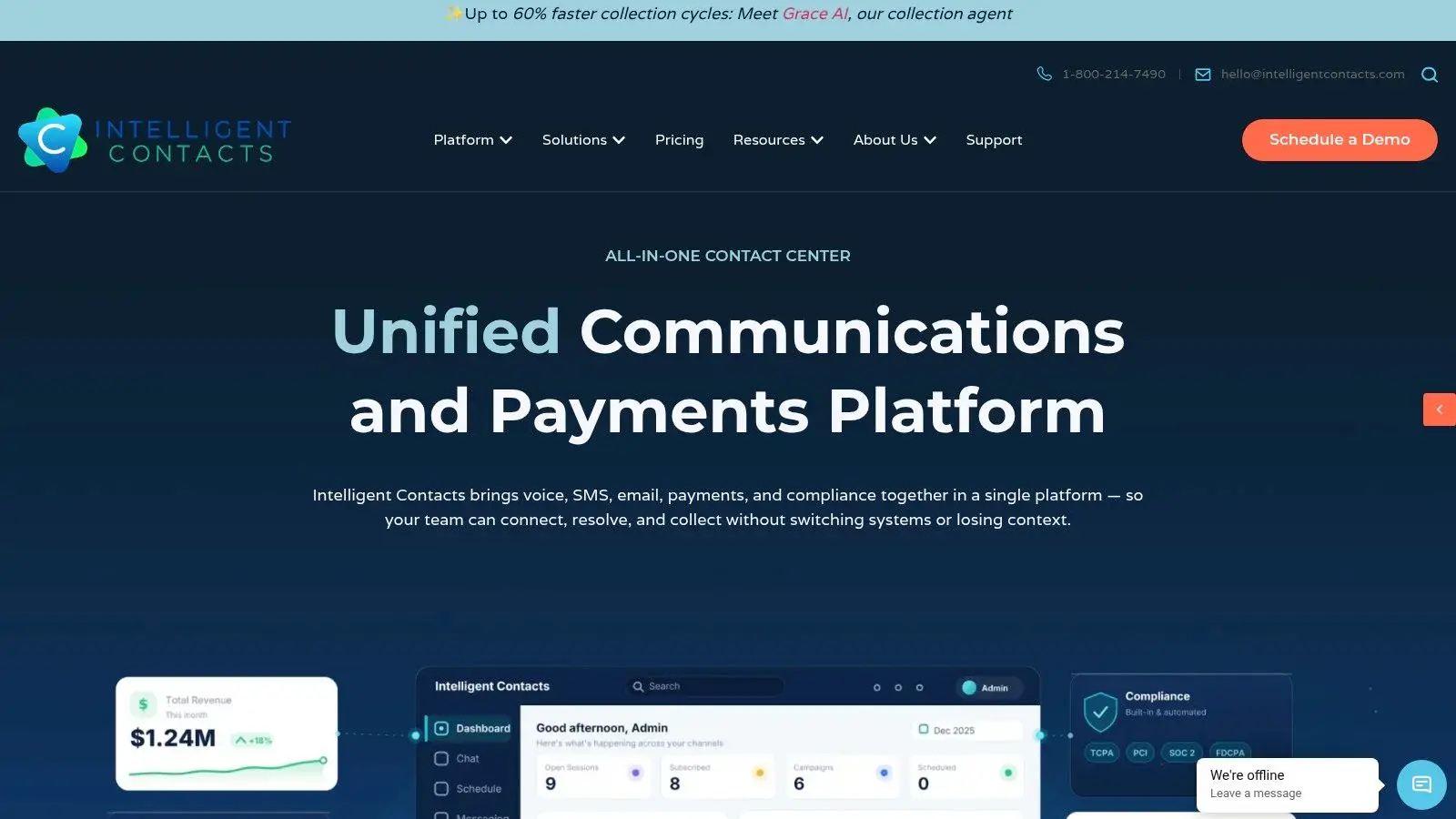
Intelligent Contacts gives regulated contact centers a cleaner way to put those principles into production. Because communication and payment live in one workflow, teams don't have to stitch together separate systems and hope the compliance controls hold. Grace, the in-house AI collection agent, operates inside that unified environment alongside voice, SMS, email, chat, self-service payments, routing, and reporting. Everything is built in-house, with clear integration paths and implementation in days, not weeks. For collections agencies, healthcare billing teams, financial services groups, insurance operations, government programs, and utilities under constant TCPA, HIPAA, PCI-DSS, FDCPA, and FCRA pressure, that's the difference between an AI pilot and a system that can be governed. To see it in context, Schedule a Demo or See Your ROI. Contact Intelligent Contacts at sales@intelligentcontacts.com or through the company contact page.