
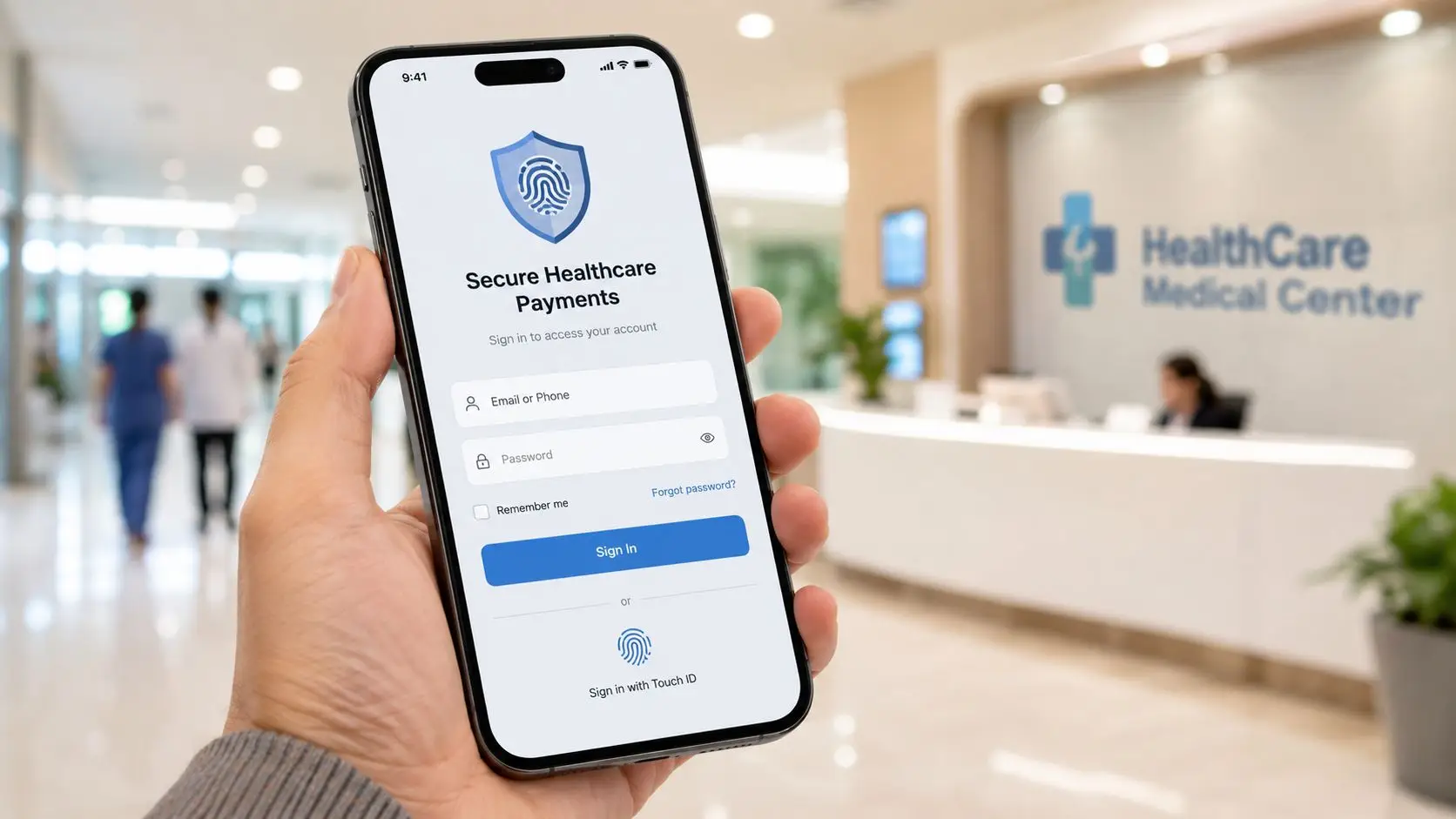
A new IT director usually sees the login screen as a security control. The revenue cycle team sees something else. They see the point where a patient either pays, gives up, or calls support.
That difference matters. A healthcare payment system login can reduce call volume, support self-service, and keep payment activity moving. It can also create friction that pushes work back to agents, slows collections, and exposes protected data if access controls are weak.
The same is true on the staff side. If agents need separate credentials for billing, communications, and payment processing, they waste time switching systems and increase the chance of mistakes. In regulated environments, bad login design isn't just annoying. It creates audit problems under HIPAA, card data exposure under PCI-DSS, and operational drag across the revenue cycle.
The common failure pattern is easy to recognize. A patient receives a bill, clicks into the portal, fails a password attempt, gets locked out, and abandons the payment. A few minutes later, that patient is in the call queue asking an agent to help reset access and explain the balance.
At the same time, the agent is often working across separate systems. One window shows the account. Another handles communication history. A third handles payment activity. That setup turns a simple payment interaction into a longer, more fragile workflow.

A bad healthcare payment system login usually causes trouble in three places at once:
None of this is theoretical. In healthcare revenue cycle operations, the login is the opening move in the payment journey. If that first step is clumsy, every downstream metric gets harder to improve.
Operational reality: Every avoidable login failure shifts work from low-cost self-service to high-cost assisted service.
Patients don't separate security from usability. They judge both at once. If the portal feels secure but impossible to use, they don't trust it enough to complete the task. If it feels easy but thin on identity checks, the organization takes on risk it doesn't need.
The right design does both. It confirms identity without adding unnecessary steps, and it lets authorized users move straight to the balance, payment method, and confirmation screen. That balance is what turns login from a technical gate into a revenue control point.
A secure login system comes down to three controls. Authentication, authorization, and auditing. The easiest way to explain them is to think about a hospital ID badge system.
A badge first proves who the person is. Then it determines which doors open. After that, the system records where that badge was used and when. A healthcare payment system login works the same way.
Authentication answers a simple question. Is this person really who they claim to be?
For a patient, that usually means a username or email plus a password, followed by a second factor when risk is higher or policy requires it. For staff, the standard should be stricter because internal users can access more sensitive functions.
What doesn't work is treating every login the same regardless of context. Patients need a path that's simple enough to finish without assistance. Staff need stronger identity verification because they can view accounts, take payments, issue refunds, and access notes tied to protected information.
Authorization is where many teams get sloppy. They confirm identity, then give broad access because it's easier to administer. That's a mistake.
A patient should only see that patient's own balances, statements, payment methods, and receipts. A front-line billing agent shouldn't have the same permissions as a supervisor. A supervisor shouldn't have the same permissions as a system administrator.
A practical model looks like this:
| User type | Appropriate access |
|---|---|
| Patient | Own balances, payment methods, receipts, profile settings |
| Agent | Payment intake, limited account lookup, approved notes and transaction tasks |
| Supervisor | Reporting, exception review, queue oversight, controlled approval actions |
| Administrator | User provisioning, policy settings, audit review, integration controls |
When teams skip role boundaries, they create the exact kind of access problem regulators and auditors focus on.
Audit trails don't get much attention until something goes wrong. Then they're the first thing leadership wants to see.
A strong audit record shows who logged in, what account they accessed, what actions they took, and when those actions occurred. That record matters for internal investigations, privacy reviews, disputed payments, and workforce accountability.
A login system without reliable audit trails doesn't just weaken security. It weakens the organization's ability to explain what happened.
The best practice is simple. Log authentication events, access attempts, privilege changes, password resets, and transaction-related actions in a way that security and compliance teams can practically review. If the logs exist but nobody can search or interpret them, the control is weaker than it looks on paper.
Healthcare payment logins sit at the intersection of protected health information and payment data. That means the access model can't be vague. It has to stand up under HIPAA and PCI-DSS scrutiny.
One governs access to health information. The other governs access to cardholder data and the systems around it. In practice, both push leaders toward disciplined identity management, least-privilege access, and strong authentication.

Under HIPAA, access controls aren't optional. Systems that touch electronic protected health information need clear user identification, controlled access, and a record of system activity tied to user behavior.
That matters in healthcare payment workflows because account balances, billing details, patient identifiers, and communication history can all intersect with protected information. A generic shared login, broad team-level account, or weak offboarding process creates risk fast.
The enforcement side matters too. A formal finding of a HIPAA violation due to improper access controls can result in fines ranging from $100 to $50,000 per violation, with an annual maximum of $1.5 million for each category of violation, according to HHS HIPAA compliance and enforcement guidance.
Compliance view: Access control failures are rarely just technical defects. They usually expose broken operational discipline.
That is why login design has to cover provisioning, role assignment, session handling, password reset controls, and auditable account activity. It isn't enough to say a portal is secure. The organization has to show how access is restricted and reviewed.
PCI-DSS raises the bar anywhere cardholder data is involved. For healthcare organizations, that includes patient payment portals, agent-assisted payment workflows, and any administrative interface tied to payment processing.
The practical implications are straightforward:
Disconnected environments often result in failure. Teams build one login model for the patient portal, another for agents, and a third for payment administration. Gaps appear at the handoff points. Security reviews get harder. Training gets messier.
Organizations evaluating secure payment workflows should pay attention to whether communications and payment handling are aligned inside the same compliance model. A useful reference point is secure payment processing for regulated contact center environments, especially when payment activity doesn't happen in isolation from patient outreach.
Most compliance problems around login aren't advanced attack scenarios. They're basic control failures under operational pressure.
A testimonial often heard from compliance leaders says it plainly: “The expensive part isn't the policy. It's cleaning up the operational shortcuts nobody documented.”
Patients and internal staff use the same environment for very different reasons. Patients want to get in, understand what they owe, and pay without friction. Administrators and agents need controlled access to handle account work without seeing more than their job requires.
Trying to serve both groups with the same workflow usually produces a bad result. Patients get too many steps. Staff get too much access or too little efficiency.

For patients, every extra step has a cost. Not always in security. Usually in completion.
A good patient login workflow has a few clear traits:
Patients don't care about internal architecture. They care whether the payment path feels coherent. If they sign into one system and get bounced into a separate payment experience that looks unrelated, trust drops.
The best patient payment flow feels like one session, not three stitched-together products.
Agents and supervisors have a different requirement. They need speed inside clear boundaries.
That is where role-based access control does the heavy lifting. A collector or billing representative should be able to locate the account, verify the consumer appropriately, take an approved payment action, and document the outcome. That same user doesn't need access to system-wide settings, broad reporting rights, or unrestricted financial exceptions.
A short comparison makes the distinction clear:
| Workflow area | Patient side | Staff side |
|---|---|---|
| Login goal | Fast access to own balance | Controlled access to assigned functions |
| Authentication style | Simple, guided, low-friction | Stronger identity verification |
| Password support | Self-service first | Admin-governed reset and policy enforcement |
| Access scope | One individual account | Defined by role and business need |
| Session design | Short path to payment | Efficient task completion with logging |
The biggest operational drag appears when communication and payment tasks live in separate systems. An agent finishes a call, then re-keys data elsewhere to process the payment or update the account. That wastes time and increases the chance of inconsistency.
A unified workflow fixes that by keeping the interaction, payment step, and account handling in one controlled path. The patient benefits too. When the same environment supports communication history and payment action, the organization can design a cleaner self-service path instead of pushing people through disconnected experiences.
That matters in collections, healthcare revenue cycle, financial services contact centers, insurance, government, and utilities alike. Regulated teams need fewer handoffs, clearer permissions, and less room for improvisation.
Even well-designed login environments break under routine conditions. Passwords are forgotten. Accounts get locked. Staff leave. Credentials get exposed. The issue isn't whether these things happen. The issue is whether the organization handles them with a documented process instead of improvisation.
A repeatable playbook protects operations and gives compliance teams something defensible to point to later.
When patients get locked out, support teams often make the problem worse by prioritizing speed over identity verification. That can expose account data to the wrong person.
A better workflow is disciplined and simple:
The goal is to restore access without turning the call center into a weak point in the security model.
One of the highest-risk moments in any payment operation is employee separation. If access removal depends on a manual email chain, the organization is relying on luck.
The standard should be clear:
Practical rule: If the organization can't prove when access was removed, it should assume an auditor will ask.
When an agent's credentials may be compromised, speed matters. So does containment.
The first actions should be operational, not theoretical. Disable the account, force credential reset, terminate active sessions where possible, review recent login and transaction activity, and notify the internal team responsible for security and compliance review. If the account had privileged rights, review associated changes and payment actions with extra scrutiny.
What doesn't work is waiting for certainty. Containment starts when suspicion is credible, not after the team has perfect information.
A standalone healthcare payment system login usually creates more work than it removes. Patients end up navigating separate identities. Staff end up reconciling separate records. Compliance teams end up reviewing fragmented logs across disconnected systems.
That model doesn't scale well in a revenue cycle operation where communication, balance resolution, and payment activity all touch the same consumer relationship.

When payment access sits outside the main EHR or CRM experience, several problems appear quickly.
Healthcare organizations already know what fragmented systems do to operations. The same lesson applies to payments. If access, communication, and account activity don't connect, the revenue cycle pays the price.
A well-integrated login experience doesn't have to mean one giant monolith. It does mean the handoffs should be secure, intentional, and invisible to the user when possible.
For patients, that often means authenticated movement from the primary portal to the billing and payment experience with minimal extra friction. For staff, it means account activity, communications, and payment actions write back to the right system of record without duplicate effort.
The technical foundation matters, but the business result matters more. A unified identity and workflow model helps teams answer basic questions quickly. Who accessed the account. What happened during the interaction. Was the payment completed. Did the record update where it needed to.
For organizations evaluating integration patterns, consumer service URL orchestration across systems is relevant because identity handoffs often fail at the connection point between trusted applications.
Separate logins create separate failure points. Integration removes those seams before users fall into them.
A healthcare payment system login isn't a side feature for IT to maintain in the background. It's a working control inside the revenue cycle. If it creates friction, patients delay payment and staff absorb the extra labor. If it works well, more activity stays in self-service and fewer tasks spill into the contact center.
That is why login decisions deserve operational scrutiny, not just technical review. The right model supports secure access, cleaner workflows, and a shorter path from bill presentment to payment completion. It also gives compliance teams stronger footing under HIPAA, PCI-DSS, and related controls that regulated organizations can't afford to treat casually.
Teams in other service-based environments face the same truth. Even outside healthcare, the ability to get paid faster as a tutoring business still comes back to reducing account access friction and making the payment path obvious. The context changes. The operating principle doesn't.
A stronger self-service strategy starts with the login experience because that's where trust, convenience, and control meet. For organizations thinking beyond the portal itself, building a self-service portal consumers want to use is the right next step.
Schedule a Demo. See Your ROI. Contact Intelligent Contacts at (877) 419-7299.
Intelligent Contacts brings communication and payment into one workflow for organizations that operate under real compliance pressure. Voice, SMS, email, chat, and self-service payments run through one in-house platform, so teams don't have to stitch together separate systems for patient outreach, agent workflows, and secure transactions. For healthcare revenue cycle leaders who want tighter access control, clearer integration paths, and faster implementation, Intelligent Contacts is built for that job.