A lot of teams start the search for HIPAA compliant software at the worst possible moment. Patient balances are rising, call volumes are uneven, self-service payment adoption is lagging, and someone in compliance has finally asked a hard question about where protected health information shows up across calls, texts, emails, recordings, and payment workflows.
That pressure is real in healthcare revenue cycle, collections, insurance, government, utilities, and financial services contact centers. The mistake is treating HIPAA as a feature checklist instead of an operating model. In high-volume environments, the software choice affects whether staff can move quickly without exposing PHI, whether payments can happen inside the same controlled workflow, and whether audit preparation becomes manageable or painful.
The first thing to clear up is simple. There is no official HIPAA certification for software. No product gets a government gold star that makes the compliance problem disappear.
That matters because many buyers still ask vendors whether their platform is “HIPAA certified.” That question sounds reasonable, but it leads teams in the wrong direction. A better question is whether the software supports the safeguards your organization needs, and whether the vendor will take on the obligations required of a business associate.
A covered entity can't buy its way out of responsibility. A business associate can't paper over weak internal controls. HIPAA compliance is shared responsibility between the organization using the system and the vendor handling PHI on its behalf.
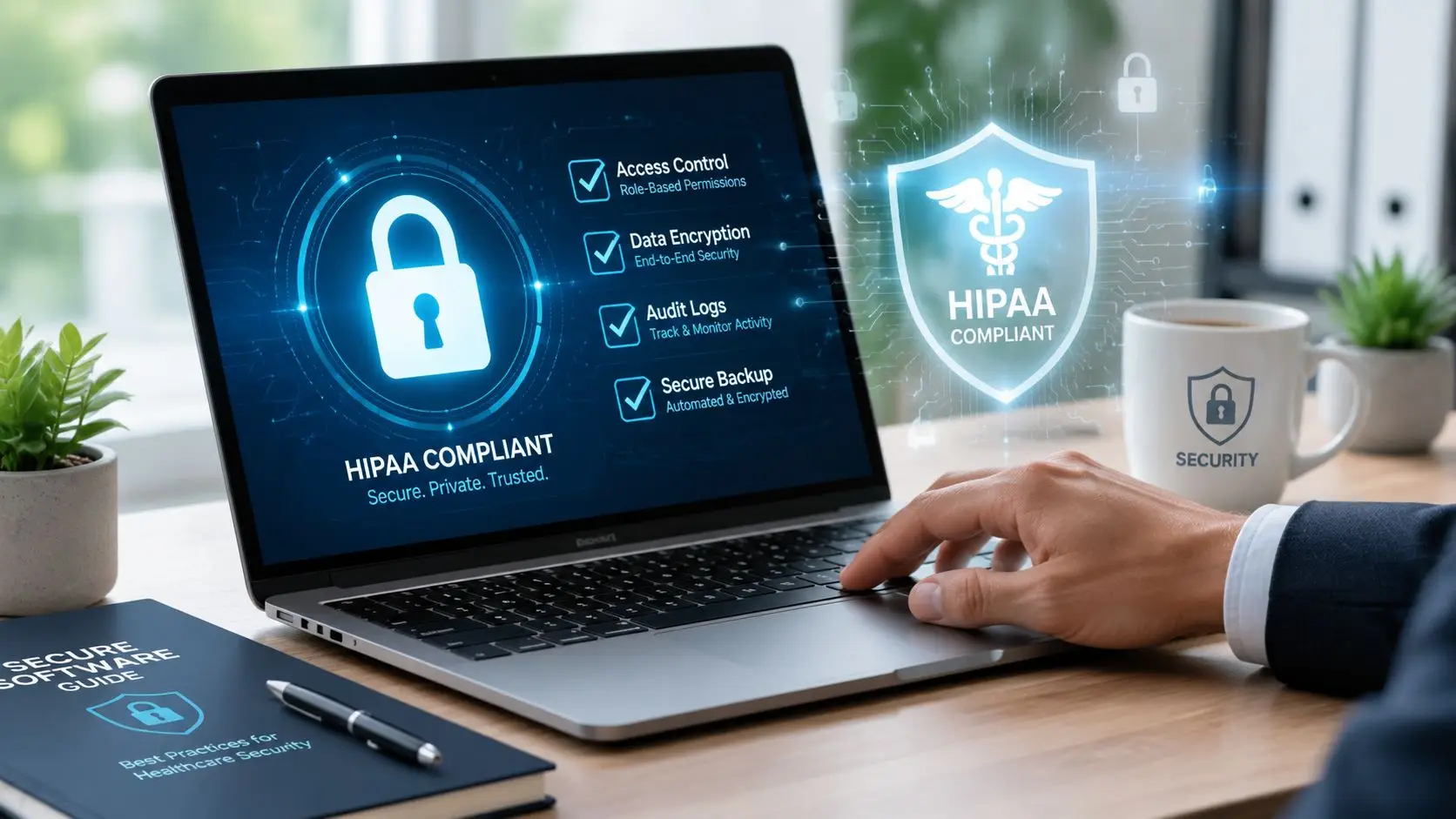
Software can support encryption, access controls, audit logs, session controls, secure messaging, and data handling practices. It can't make supervisors review access, stop agents from oversharing on a call, or train staff on minimum necessary use. Those are operational controls owned by the organization.
Practical rule: If a vendor talks about HIPAA like it's a product badge instead of a joint compliance model, the evaluation should slow down immediately.
A contact center platform might have strong controls and still be deployed badly. That happens when teams enable broad user permissions, leave retention settings undefined, allow uncontrolled recording practices, or create workarounds outside the system.
In revenue cycle and collections workflows, those gaps show up fast. An agent may text a patient from the wrong channel, export notes into an unsecured process, or take a payment through a disconnected workflow that leaves no clean audit trail. The issue isn't only the application. It's the full process around it.
For organizations mapping broader communications architecture, a grounded primer on CCaaS models and operating design helps frame where HIPAA controls need to live. Teams also benefit from working with HealthTech engineering partners who understand how healthcare systems are built, integrated, and governed.
Replace “Is this HIPAA certified?” with questions that reveal substance:
That's what HIPAA compliant software really means in practice. It's software that supports lawful use of PHI inside a disciplined operating environment.
The HIPAA Security Rule gets discussed in abstract terms far too often. In a contact center, abstract language isn't useful. The rule becomes practical when teams map it to what agents see, what supervisors review, what IT controls, and what auditors ask for.

Administrative safeguards govern how people use the system. These include policy, training, access review, and risk management.
A contact center usually feels these safeguards through user provisioning, manager approvals, escalation procedures, and workforce training. If an agent handling payment follow-up doesn't need full account history, the role should reflect that. If a supervisor can export data, that permission should be deliberate and documented.
Administrative controls often include:
What doesn't work is writing policy once and assuming the platform enforces it automatically. It won't.
Physical safeguards protect the environments and devices that touch ePHI. In software evaluations, buyers tend to skim this category because it sounds like a facilities issue. That's a mistake.
Physical risk shows up in contact center operations all the time. Shared workstations, remote devices, printed notes, unsecured screens, and end-of-life hardware all create exposure. A strong software vendor can support the control environment with session timeouts, device restrictions, and deployment options, but internal operations still matter.
A short way to think about physical safeguards is this:
| Area | What it looks like in operations |
|---|---|
| Workstations | Screens aren't left exposed, and device use follows policy |
| Equipment handling | Old devices are retired through controlled processes |
| Site access | Only authorized personnel can access relevant systems and areas |
| Remote work setup | Home environments follow the same security expectations |
For teams updating retirement procedures, responsible e-waste management for IT managers is worth reviewing because device disposal is often where “former data” becomes current risk.
Technical safeguards are the controls buyers usually focus on first. They're also the easiest to misunderstand if the conversation stays at the feature level.
Encryption matters. Unique user IDs matter. Automatic logoff matters. Audit controls matter. But the true test is whether those controls fit the day-to-day workflow without pushing staff into unsafe workarounds.
A practical evaluation should look at:
Technical controls that frustrate agents without fitting the workflow tend to fail quietly. Staff will route around them.
This is why security design has to reflect operations. In healthcare revenue cycle and collections, speed matters. So does containment. The right system gives staff a controlled path to complete the work instead of forcing them to improvise. For a more targeted view of how that applies inside regulated communications environments, the contact center security guidance is a useful operational reference.
If a vendor touches PHI and hesitates to sign a Business Associate Agreement, the conversation should end there. The BAA isn't paperwork. It's a risk document.
Too many teams treat it like procurement cleanup that happens after product demos and pricing. That's backwards. A vendor's willingness to enter a serious BAA tells a buyer far more about compliance maturity than a polished security overview ever will.

A usable BAA should be specific enough to govern the actual relationship. If it stays vague, the hard issues show up later, usually under pressure.
Look closely at these areas:
The warning signs are usually easy to spot. Generic language. Resistance to negotiation. No clarity around subcontractors. Soft wording around incidents. No real treatment of end-of-contract data handling.
A vendor's willingness to negotiate a robust BAA is a direct reflection of their compliance maturity.
That doesn't mean every clause will be fully customizable. It does mean the vendor should be prepared for serious review by legal, compliance, and security stakeholders. A mature partner has seen these questions before and can answer them directly.
A contact center handling patient communications and payments creates a wider surface area than many software categories. Messages, recordings, agent notes, escalations, and payment events can all intersect. The BAA should align with that reality.
If the document doesn't reflect how data moves through the service, it won't help much when an issue appears. Buyers should read the BAA as carefully as they review the feature list, because in a regulated environment, the legal structure and the operating workflow are tied together.
In a regulated contact center, software features aren't convenience items. They are control points. Every channel, every recording setting, every authentication step, and every payment handoff affects whether the organization can communicate efficiently without creating a compliance gap.

Healthcare contact centers rarely operate under a single regulation. HIPAA may govern PHI, but TCPA shapes outbound communications, and internal policies often dictate channel use, consent handling, and retention. That means software has to control more than access.
The strongest systems usually support:
What tends to fail is the patchwork approach. One tool handles calls, another handles texting, another stores notes, and another processes payments. Every switch between systems creates a chance for data mismatch, bad logging, or user error.
Once a patient or consumer is ready to pay, the risk profile changes. PCI-DSS becomes part of the workflow, and the contact center has to protect cardholder data without slowing down completion.
That requires more than a secure payment page floating outside the communication process. Buyers should look for:
A common problem in collections and revenue cycle environments is that payment compliance gets handled by a separate vendor stack with weak connection to the communication record. That creates operational drag and audit pain. Teams end up reconciling events manually across systems that weren't designed to work together.
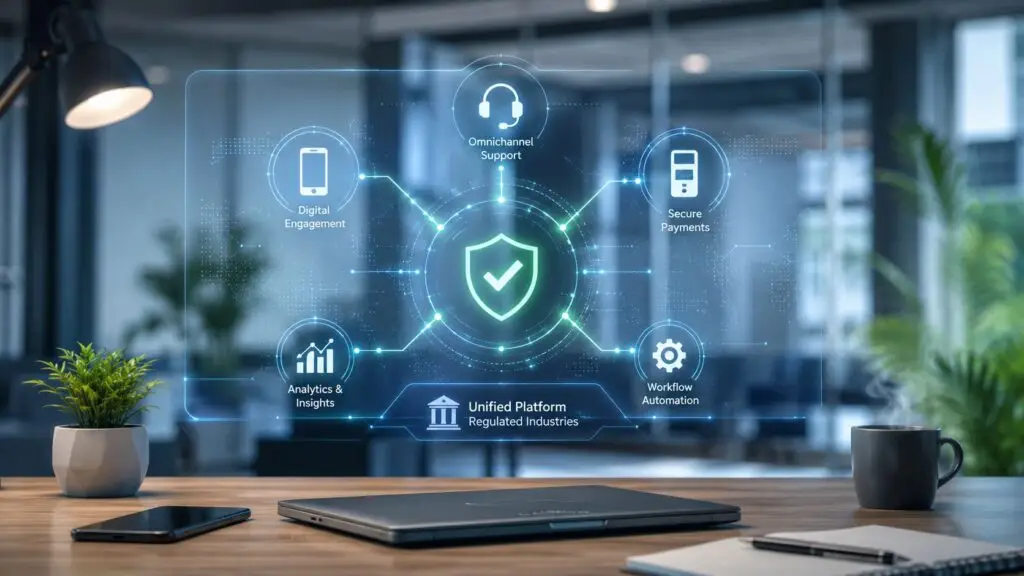
The best compliance design is often simpler architecture. When communication and payment happen inside one governed workflow, fewer things break.
That doesn't remove the need for policy, training, or review. It does reduce the number of places where staff can lose context, duplicate work, or expose data accidentally. In high-volume environments, that matters because speed amplifies every weak process.
“The smoothest operations usually come from the least fragmented workflows. Staff shouldn't need to remember which system is safe for which step.”
Not every organization needs the same depth in every area. But a serious evaluation should cover the basics below.
| Capability | Why it matters in regulated operations |
|---|---|
| Access controls | Limits PHI visibility to the right roles |
| Audit trails | Supports investigation, review, and audit response |
| Encryption | Protects data in transit and at rest where applicable |
| Retention controls | Helps govern how long sensitive records remain available |
| Secure messaging | Reduces ad hoc communication risk |
| Authentication | Confirms who accessed or changed data |
| Recording management | Helps control exposure during sensitive interactions |
| Payment tokenization | Reduces card data exposure in core systems |
| Integrated workflow | Keeps communications and payments in one auditable path |
A buyer comparing HIPAA compliant software for contact centers should always ask one final question: does the software help staff stay inside the compliant path when call queues are long, accounts are complex, and payment pressure is high? If the answer is no, the feature list doesn't matter much.
Most software evaluations focus too heavily on demos. Demos are useful, but they hide a lot. Every workflow is clean in a scripted environment. The harder question is whether the vendor can support real-world regulated operations once implementation starts and exceptions appear.
A good buying process looks at software, delivery model, integration approach, and support maturity at the same time.
One of the most important questions is whether the vendor builds the platform or mainly assembles third-party components. Reseller stacks create layered accountability problems. When an incident, outage, or integration failure happens, each party can point somewhere else.
That doesn't mean every external dependency is unacceptable. It means buyers need clarity on what is built in-house, what is embedded, and who owns support when things break.
Ask questions like these:
HIPAA compliant software has to fit the existing environment. In healthcare revenue cycle and patient billing, that usually means connection to a system of record, billing platform, CRM, EHR, or custom internal workflow.
A vendor should be able to explain the integration path in plain English. If the answer is fuzzy, the project risk is high. Teams evaluating broader workflow alignment often benefit from reviewing how CRM call centre software fits into the operating model before committing to a platform decision.
Buyers should interview the implementation team, not just the sales team. That's where operational truth usually shows up.
A mature partner should be ready for due diligence. That review should include documentation, process clarity, and direct answers.
Use a practical checklist:
The cheapest option on paper often becomes the most expensive to operate. That happens when implementation drags, workflows stay fragmented, support is slow, or compliance work becomes manual.
A better evaluation weighs:
The right choice isn't just the best software buyer decision. It's the best operating partner decision.
Go-live is where the true work starts. A platform can launch cleanly and still drift out of compliance if user roles expand carelessly, audit logs go unread, or teams stop reinforcing the reason the controls exist.
That drift is common in busy contact centers because operations change faster than governance. New queues open. New staff arrive. Supervisors grant access to solve an urgent problem, then forget to clean it up. A one-time implementation doesn't hold against that.

The organizations that stay audit-ready usually do a few things consistently:
These habits matter just as much in remote and hybrid environments, where device handling and equipment retirement can create exposure outside the main office. For teams managing hardware lifecycle carefully, secure IT asset disposal for healthcare is a practical reference point.
The easiest audits happen when compliance tasks are already embedded in operations. If supervisors use logs, if access reviews are routine, and if exceptions are documented while they happen, audit prep becomes evidence gathering instead of archaeology.
“Our last audit was the smoothest yet because our platform's audit logs gave the auditors everything they needed in minutes.”
That kind of outcome doesn't come from luck. It comes from software that supports traceability and a team that treats compliance as an operating rhythm, not a special project.
HIPAA compliant software only stays compliant in practice when the organization keeps tuning the environment. New workflows, new staff, and new channels all change the control environment.
That's why the strongest technology partners don't disappear after deployment. They help teams adapt the system as operations evolve, keep controls aligned with real use, and make continuous vigilance manageable instead of overwhelming.
Intelligent Contacts supports regulated organizations that need communication and payment in one controlled workflow. As a unified contact center and payments platform built in-house, it helps healthcare revenue cycle teams, collections operations, financial services contact centers, insurance groups, government agencies, and utilities reduce workflow fragmentation while maintaining support for HIPAA, PCI-DSS, TCPA, FDCPA, and FCRA-sensitive operations. Teams looking to tighten compliance without slowing down collections or patient payments can Schedule a Demo or See Your ROI. For direct questions, contact Intelligent Contacts through the company website.